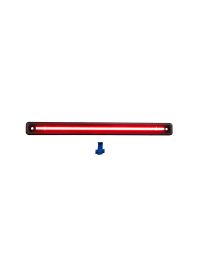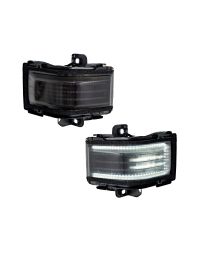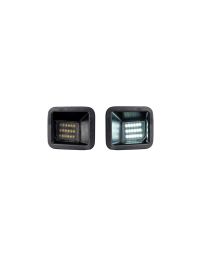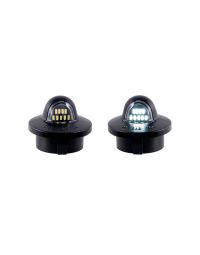
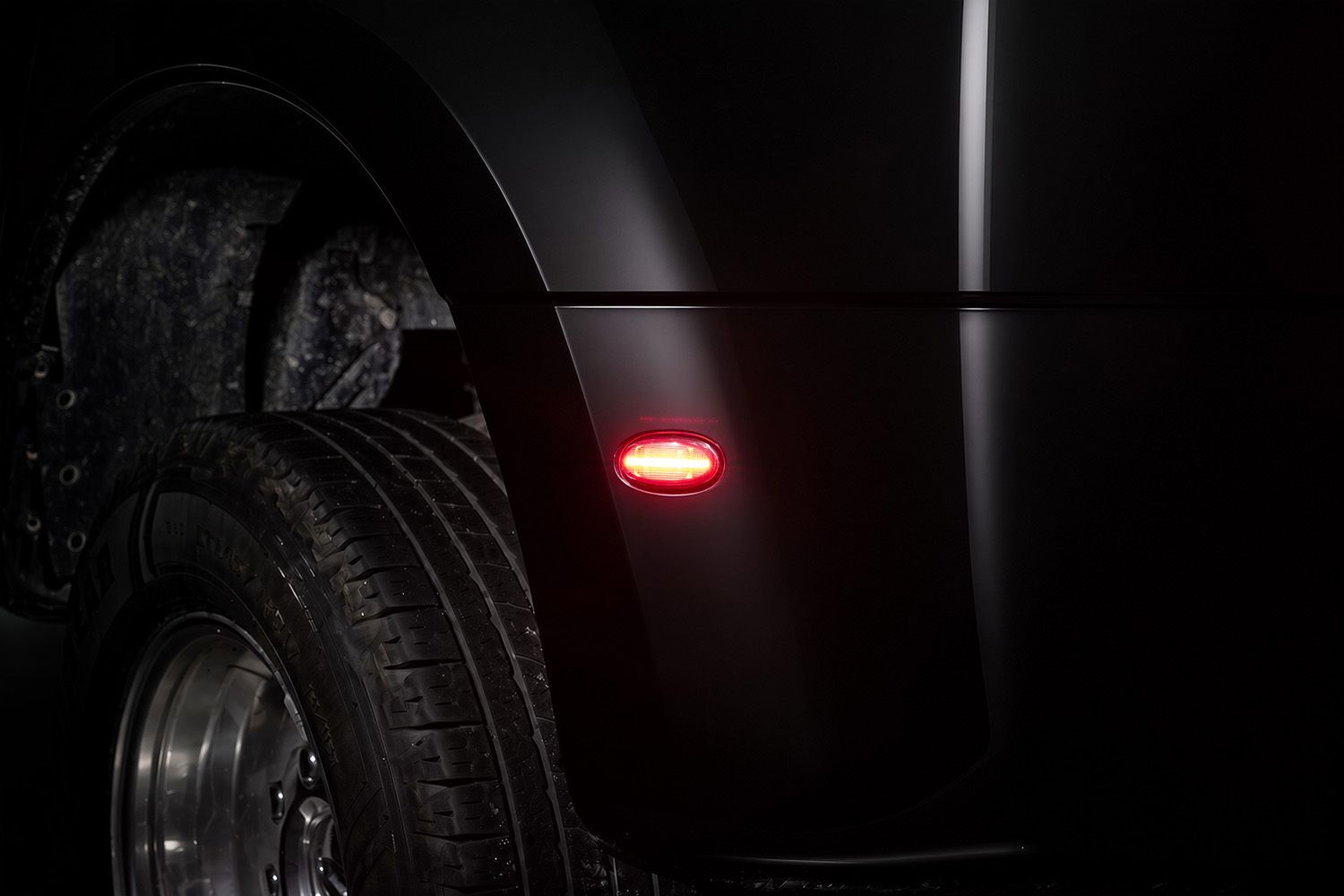
The 2011-2027 Ford F350/F450 Dually LED Sidemarkers replace the factory sidemarkers with modern, full-LED lighting for an upgraded appearance and crisp illumination. This installation guide will provide you with detailed instructions on how to install the 2011-2027 Ford F350/F450 Dually LED Sidemarkers. Continue reading for step-by-step instructions below!
Table of Contents
- Installation Tools
- Installation Instructions
- Questions About the Installation?
- Where Can I Buy the 2011-2027 Ford F350/F450 Dually LED Sidemarkers?
Installation Tools
- Plastic trim tool
Installation time: 10-20 minutes
Installation Instructions
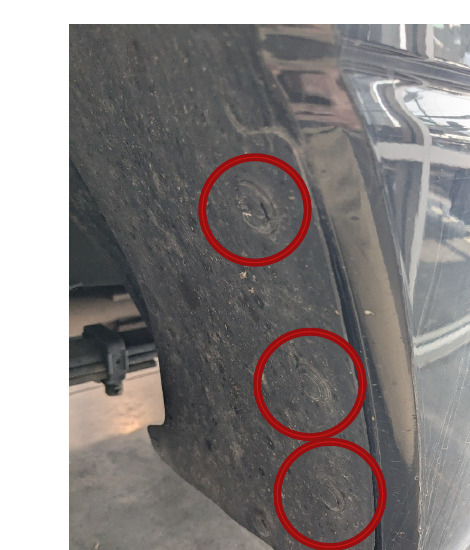
Step 1 — Remove the fender liner clips
Remove the three plastic push clips from the rear fender liner.
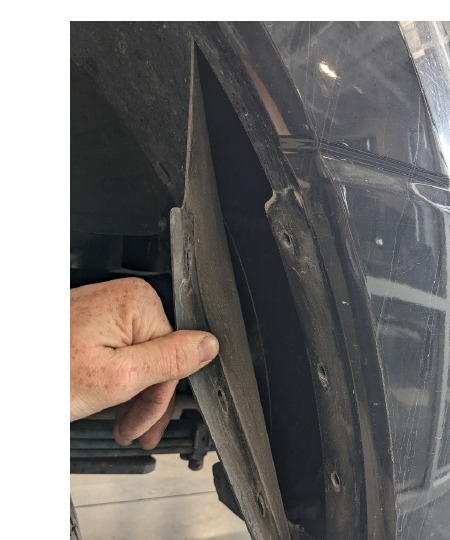
Step 2 — Peel back the fender liner
Carefully peel back the fender liner to gain access to the rear of the factory sidemarker.
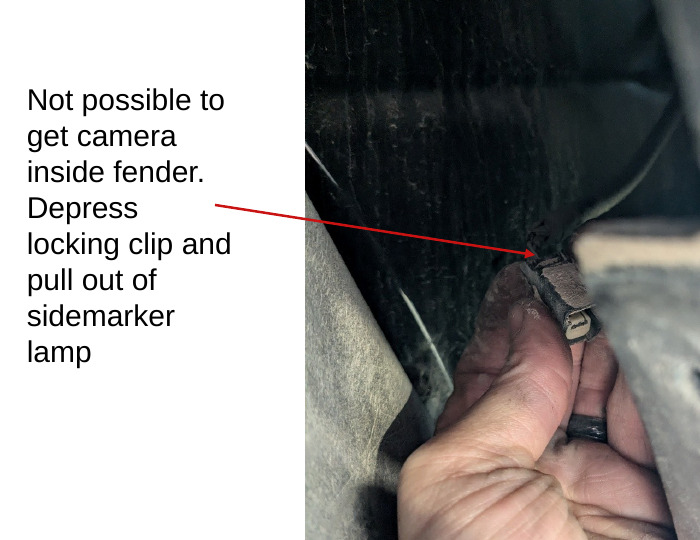
Step 3 — Disconnect the sidemarker connector
Locate the connector on the rear of the factory sidemarker. Depress the locking clip and pull the connector out of the sidemarker lamp.
Step 4 — Release the sidemarker locking tab
Squeeze the plastic locking tab on the factory sidemarker and push the sidemarker outward. A plastic trim tool can be used from the outside of the fender to help release and remove the sidemarker.
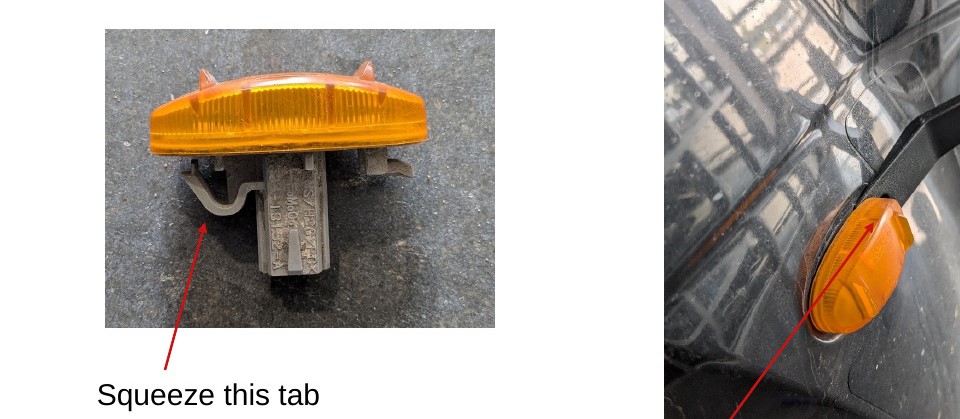
Step 5 — Remove the factory sidemarker
Remove the factory sidemarker completely from the fender.
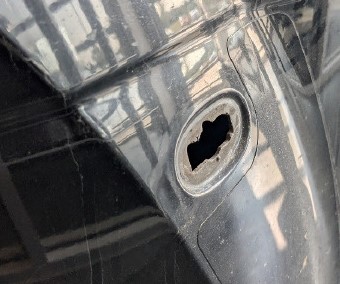
Step 6 — Identify the correct FORM sidemarker
Select the correct FORM replacement sidemarker for the location you are working on. The front sidemarkers illuminate amber, while the rear sidemarkers illuminate red.
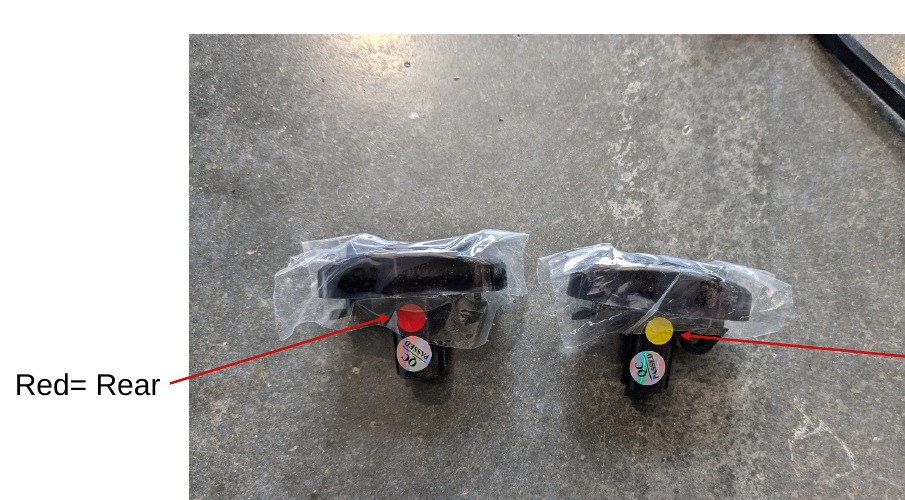
Step 7 — Connect the FORM sidemarker
Line up the FORM sidemarker with the factory opening and connect it to the factory sidemarker connector.
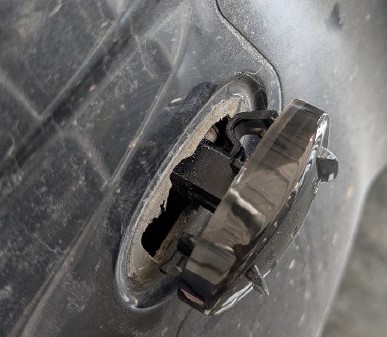
Step 8 — Test the sidemarker
Before fully installing the sidemarker, test it for proper function.
Step 9 — Install the FORM sidemarker
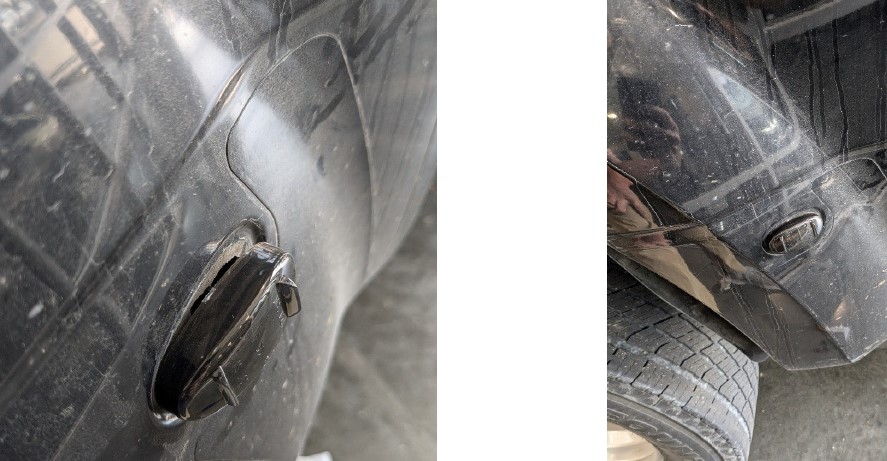
Slide the tab on the FORM sidemarker into the fender opening. Push the opposite side into place until you hear a click and the sidemarker sits flush with the fender.
Step 10 — Reinstall the fender liner clips
Return the fender liner to its original position and reinstall the three plastic push clips.
Step 11 — Repeat for the remaining sidemarkers
Repeat Steps 1-10 for the other three sidemarkers, making sure to install the amber sidemarkers at the front and the red sidemarkers at the rear.
The installation is now complete. Enjoy your new 2011-2027 Ford F350/F450 Dually LED Sidemarkers!
Questions About the Installation?
If you have any questions about installing the 2011-2027 Ford F350/F450 Dually LED Sidemarkers, contact us via our support page.
Where Can I Buy the 2011-2027 Ford F350/F450 Dually LED Sidemarkers?
If you're ready to upgrade your 2011-2027 Ford F350/F450 Dually with LED sidemarkers, visit FORMLights.com or use our Dealer Locator to find a dealer near you.
Want to know more about FORM Lighting products? Visit FORMLights.com and subscribe to our newsletter for new product releases and more!
This Installation Guide is for the following SKU: FL0048