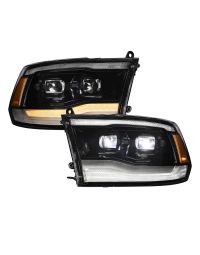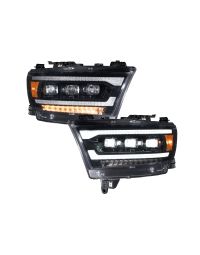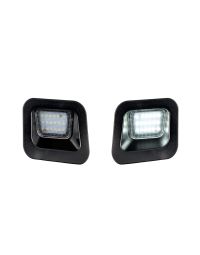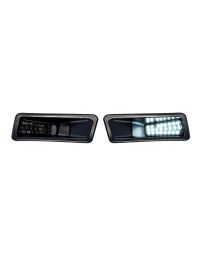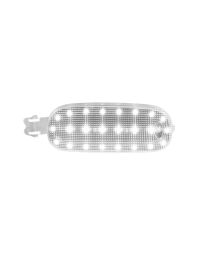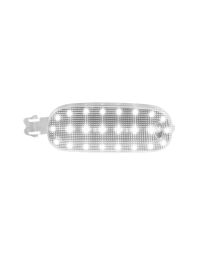
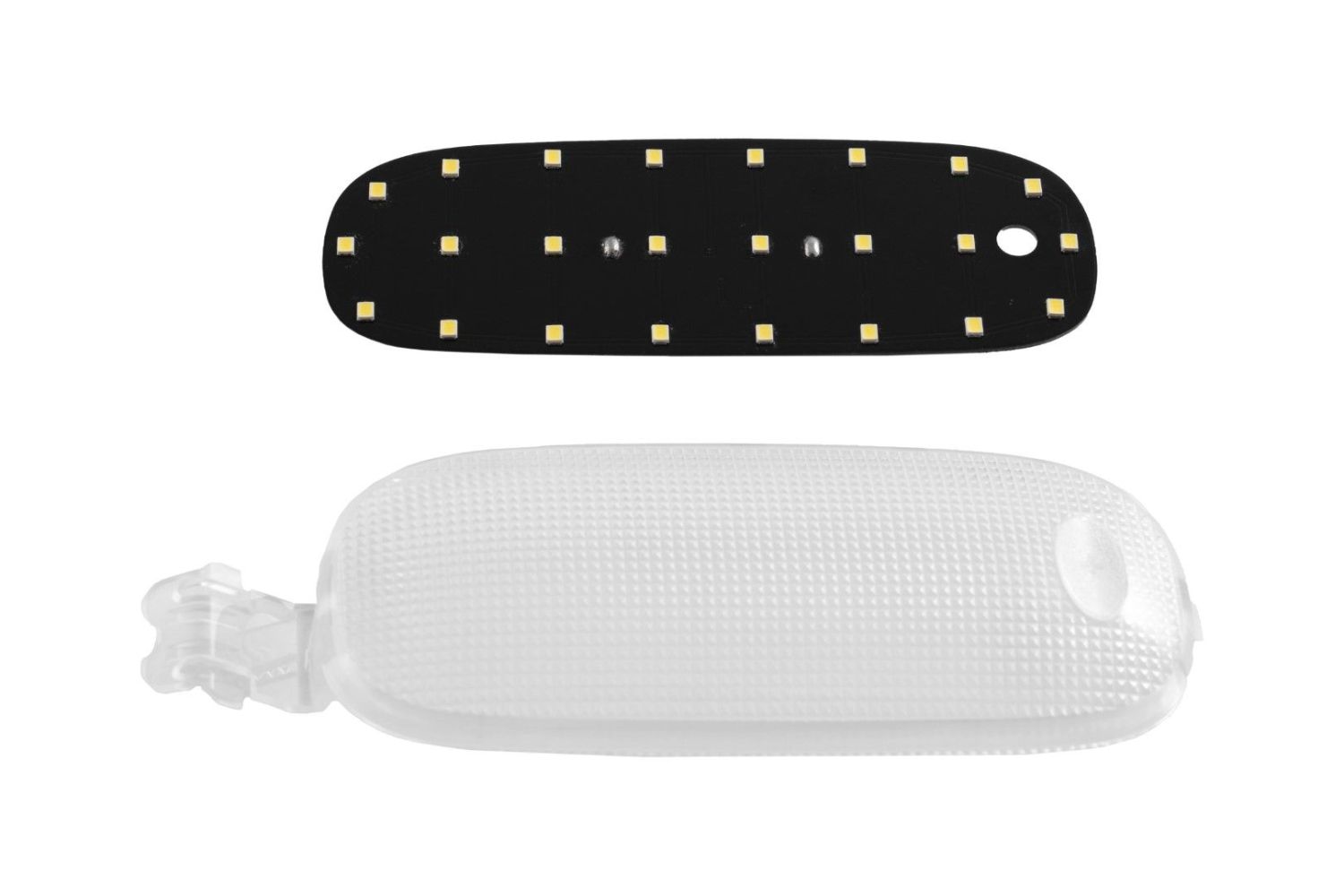
The 2009-2023 Dodge Ram 1500 LED Dome Light adds bright, modern LED interior lighting for improved visibility and a clean OEM-style appearance. This installation guide will provide you with detailed instructions on how to install the 2009-2023 Dodge Ram 1500 LED Dome Light. Continue reading for step-by-step instructions below!
Table of Contents
- Installation Tools
- Installation Instructions
- Questions About the Installation?
- Where Can I Buy the 2009-2023 Dodge Ram 1500 LED Dome Light?
Installation Tools
- Plastic trim tool
Installation Instructions
Step 1 — Remove the Dome Light Lens
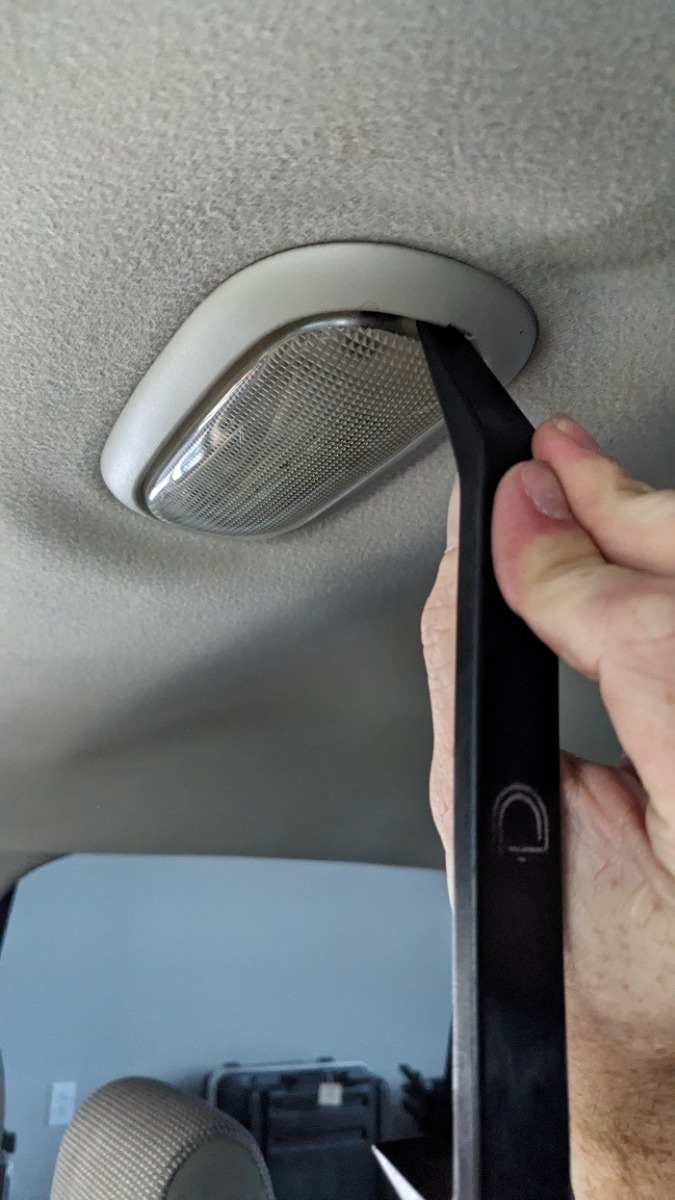
Using a plastic trim tool, carefully pry down on one side of the factory dome light lens to release it from the housing.
Step 2 — Remove the Factory Bulb
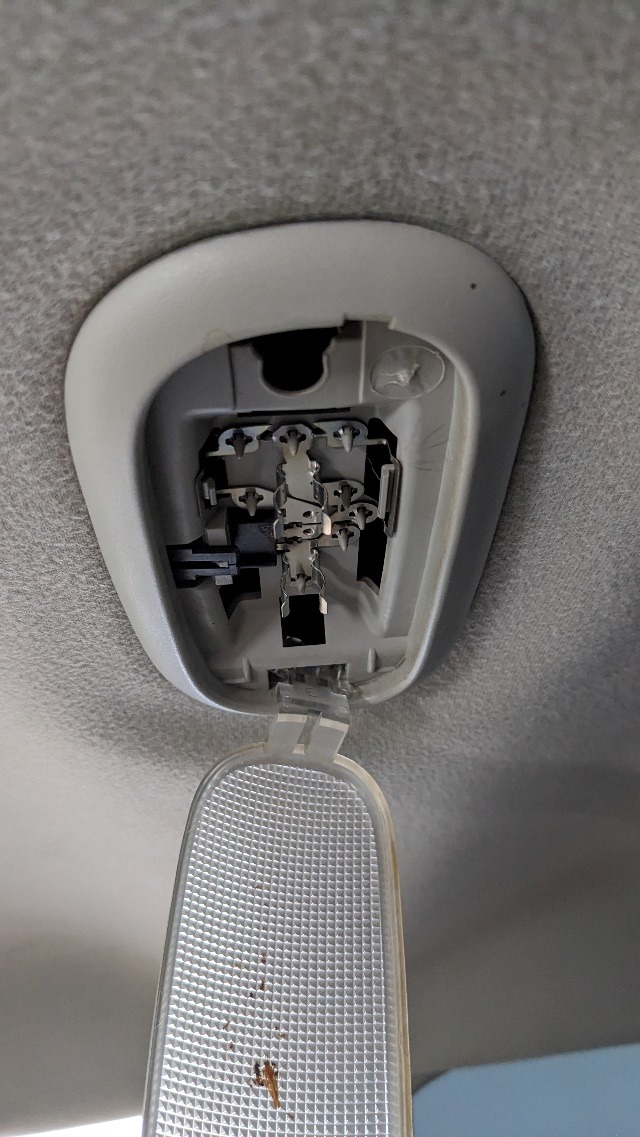
Remove the factory bulb from the socket. If needed, fully remove the lens by gently squeezing the retaining clip.
Step 3 — Install the LED Dome Light
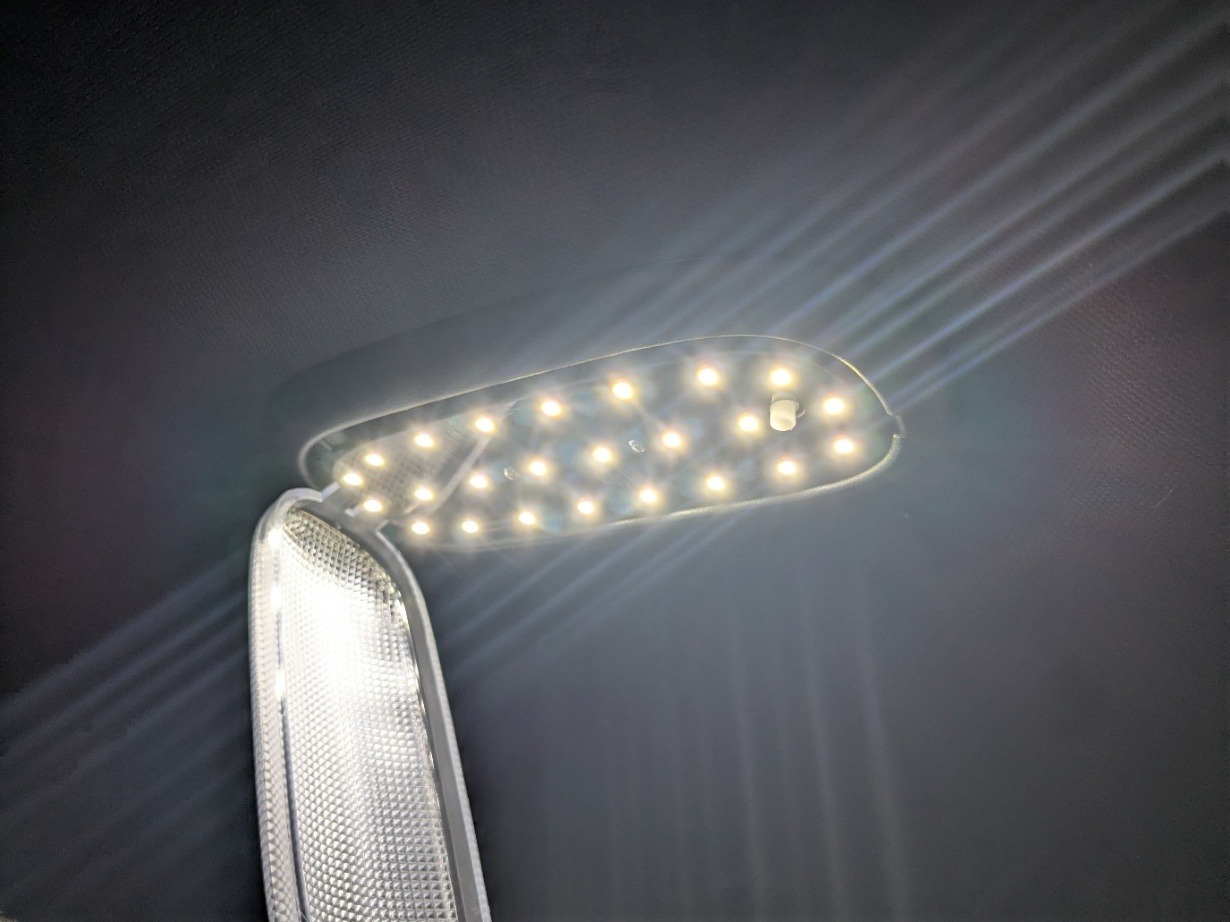
Install the new LED dome light into the socket and test its function. If the light feels loose, remove the LED board and gently squeeze the festoon sockets together for a tighter fit.
Step 4 — Install the New Lens
Reinstall the provided new lens by snapping it back into place in the reverse order of removal.
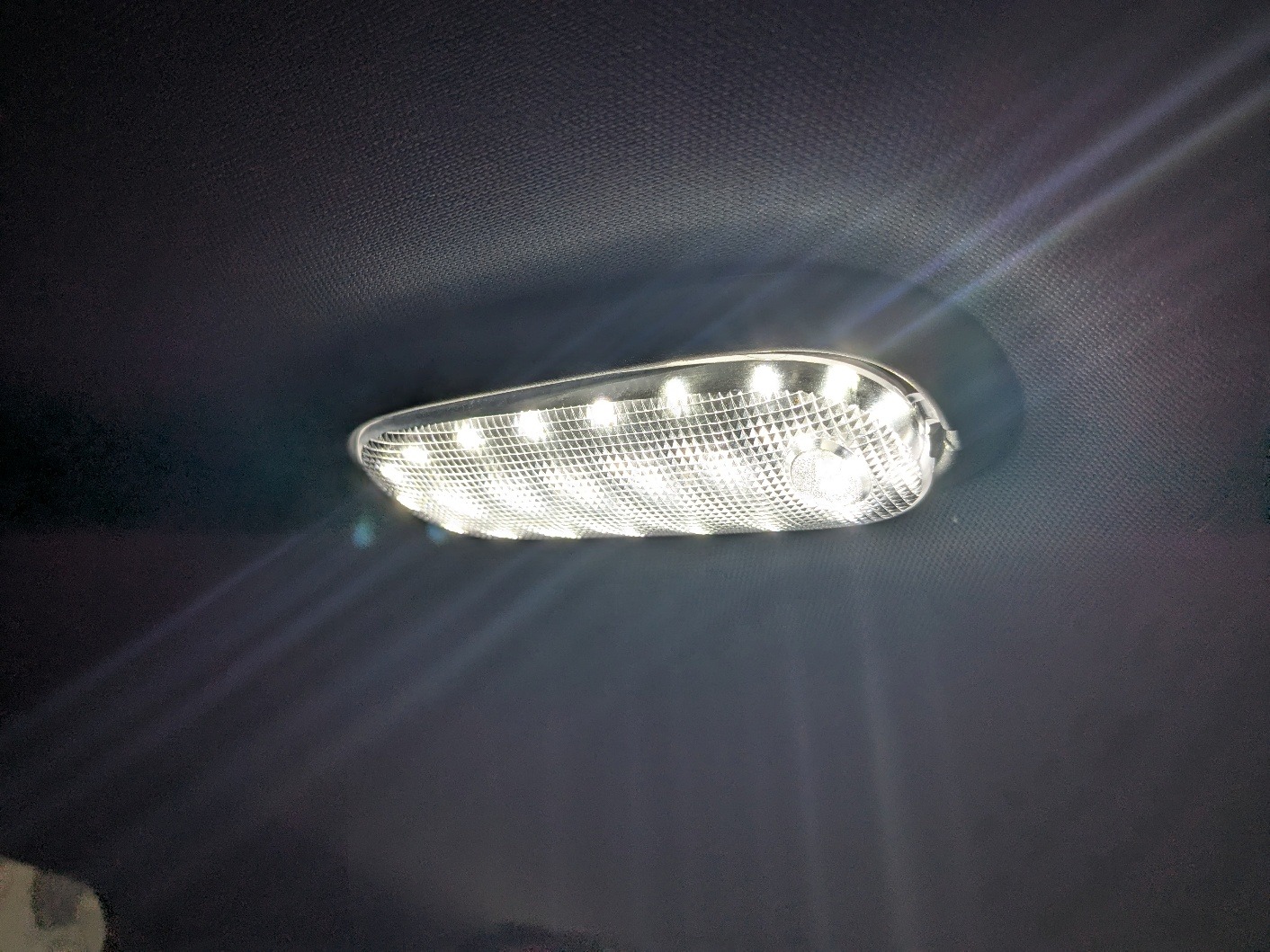
The installation is now complete. Enjoy your new 2009-2023 Dodge Ram 1500 LED Dome Light!
Questions About the Installation?
If you have any questions about installing the 2009-2023 Dodge Ram 1500 LED Dome Light, contact us via our support page.
Where Can I Buy the 2009-2023 Dodge Ram 1500 LED Dome Light?
If you're ready to upgrade your 2009-2023 Dodge Ram 1500 with the 2009-2023 Dodge Ram 1500 LED Dome Light, visit FormLights.com or use our Dealer Locator to find a dealer near you.
Want to know more about Form Lighting products? Visit FormLights.com and subscribe to our newsletter for new product releases and more!
This Installation Guide is for the following SKU: FL0069