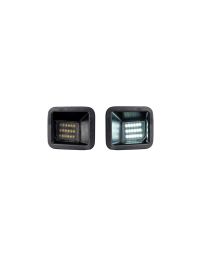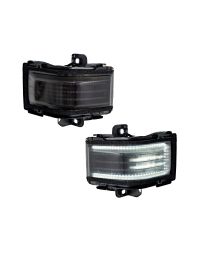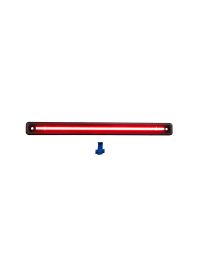
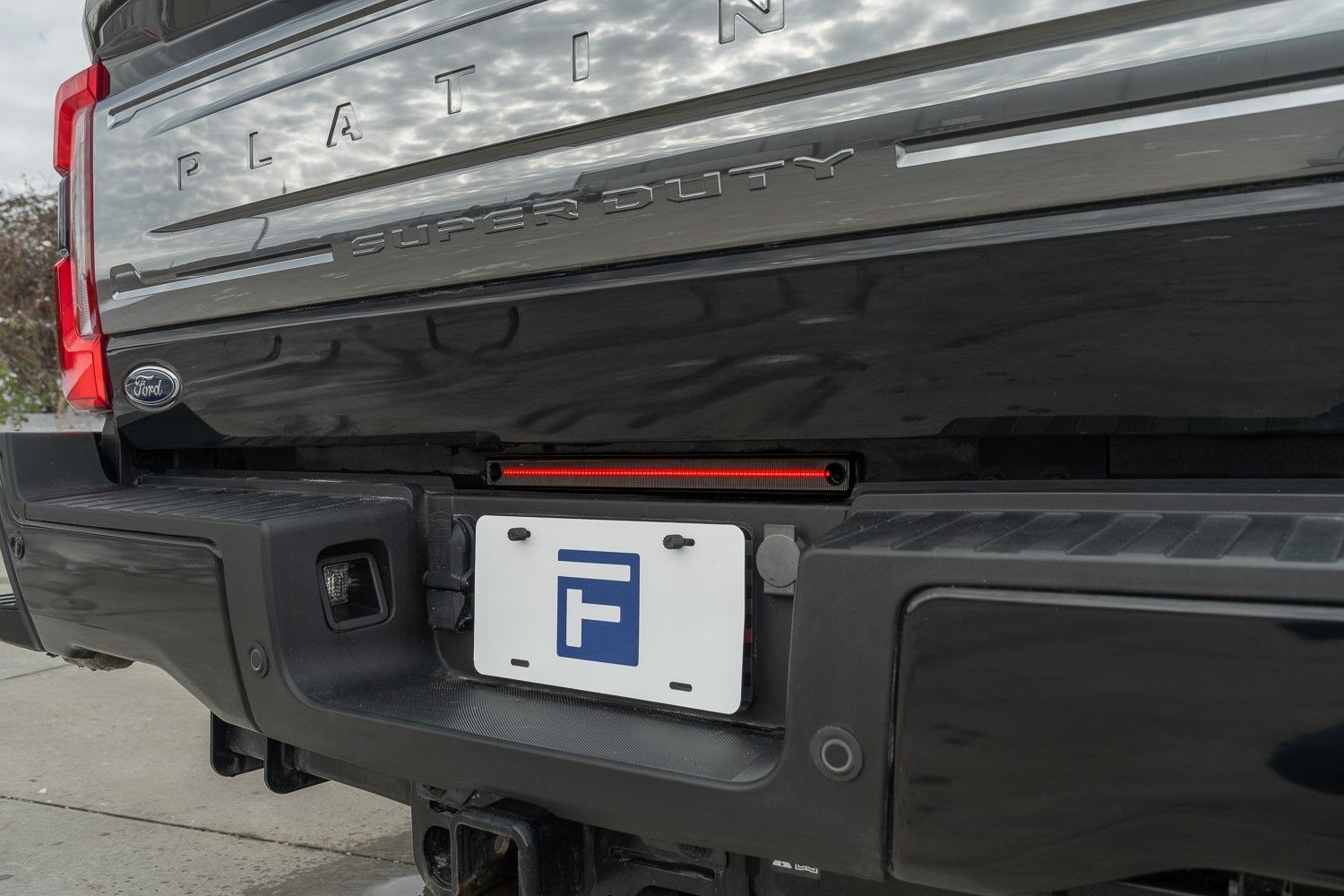
The 2017-2026 Ford Super Duty LED Center Marker Light adds a brighter, more modern center marker light with an integrated brake light function for improved rear visibility. This installation guide will provide you with detailed instructions on how to install the 2017-2026 Ford Super Duty LED Center Marker Light. Continue reading for step-by-step instructions below!
Table of Contents
Installation Tools
- T30 Torx driver
- Needle nose pliers
- 7mm socket
Installation Instructions
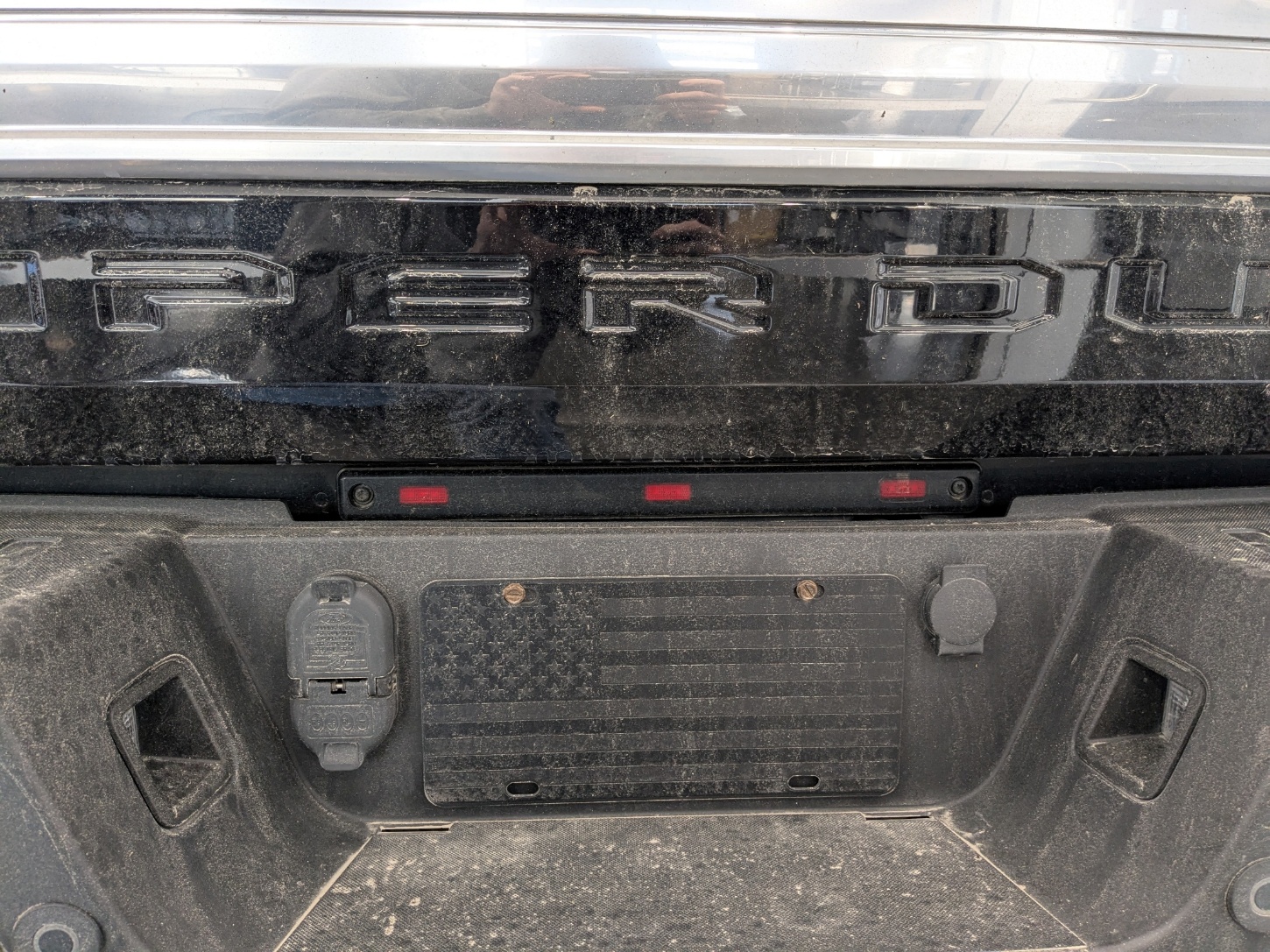
Step 1 — Remove the factory center marker light
Remove the two T30 Torx screws securing the factory center marker light, then pull the light away from the tailgate.
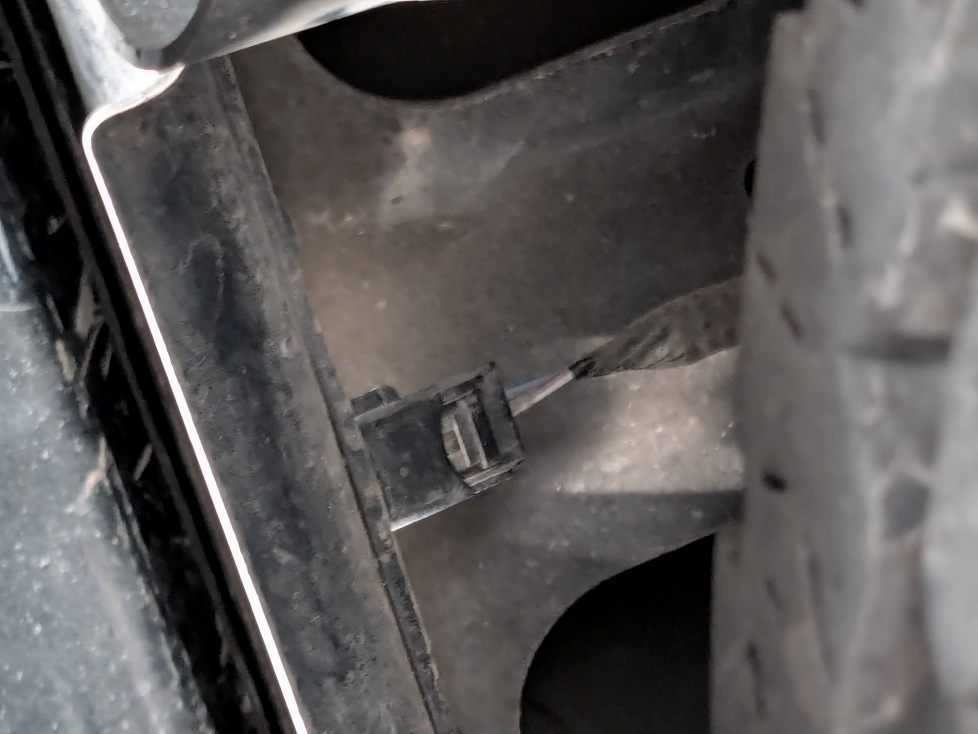
Step 2 — Disconnect the factory connector
From underneath the truck, locate the center marker connector and unplug it by depressing the locking tab.

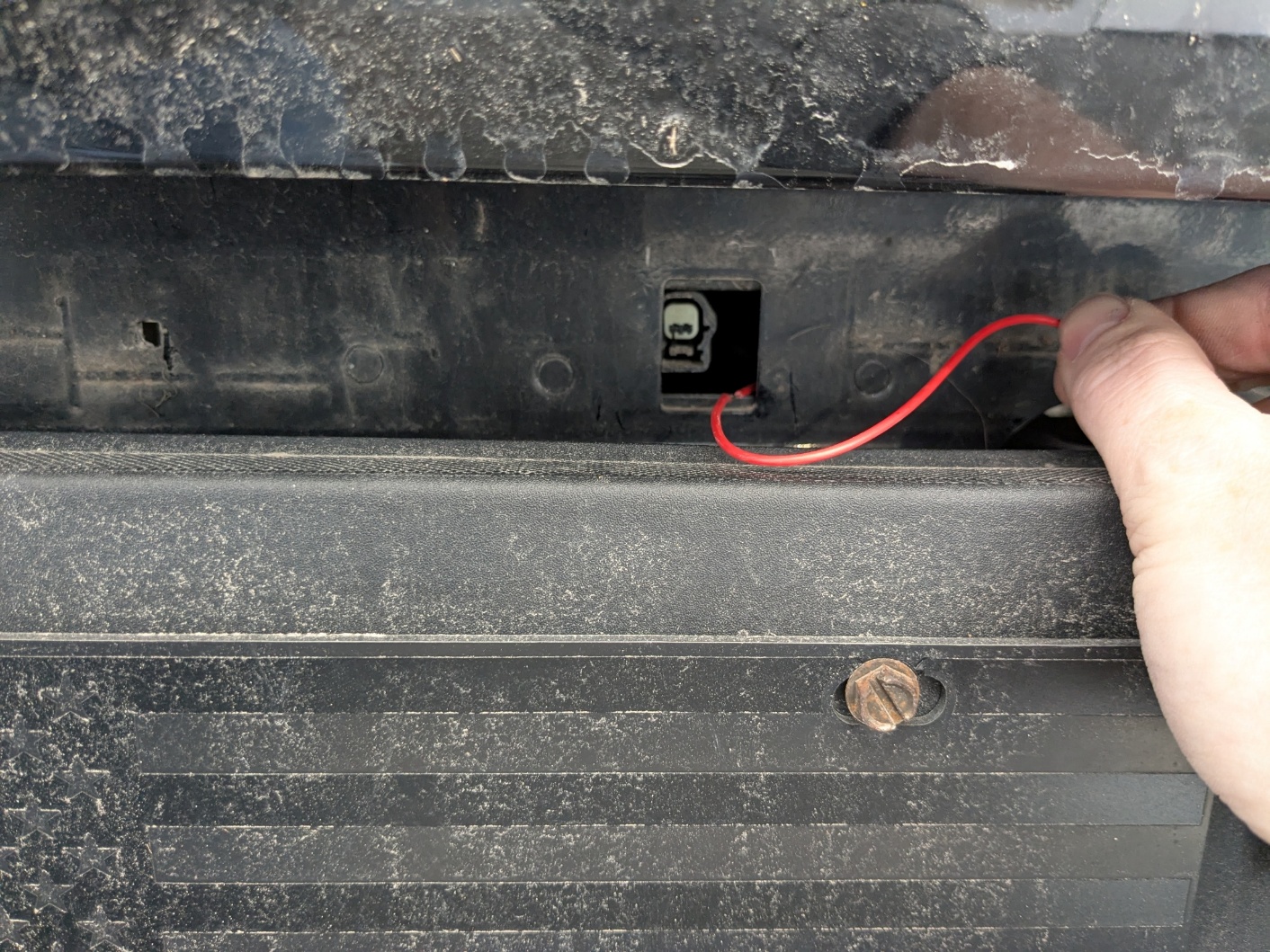
Step 3 — Route the new red wire
Set the factory marker light aside. Route the red wire from the new center marker light through the opening in the tailgate.
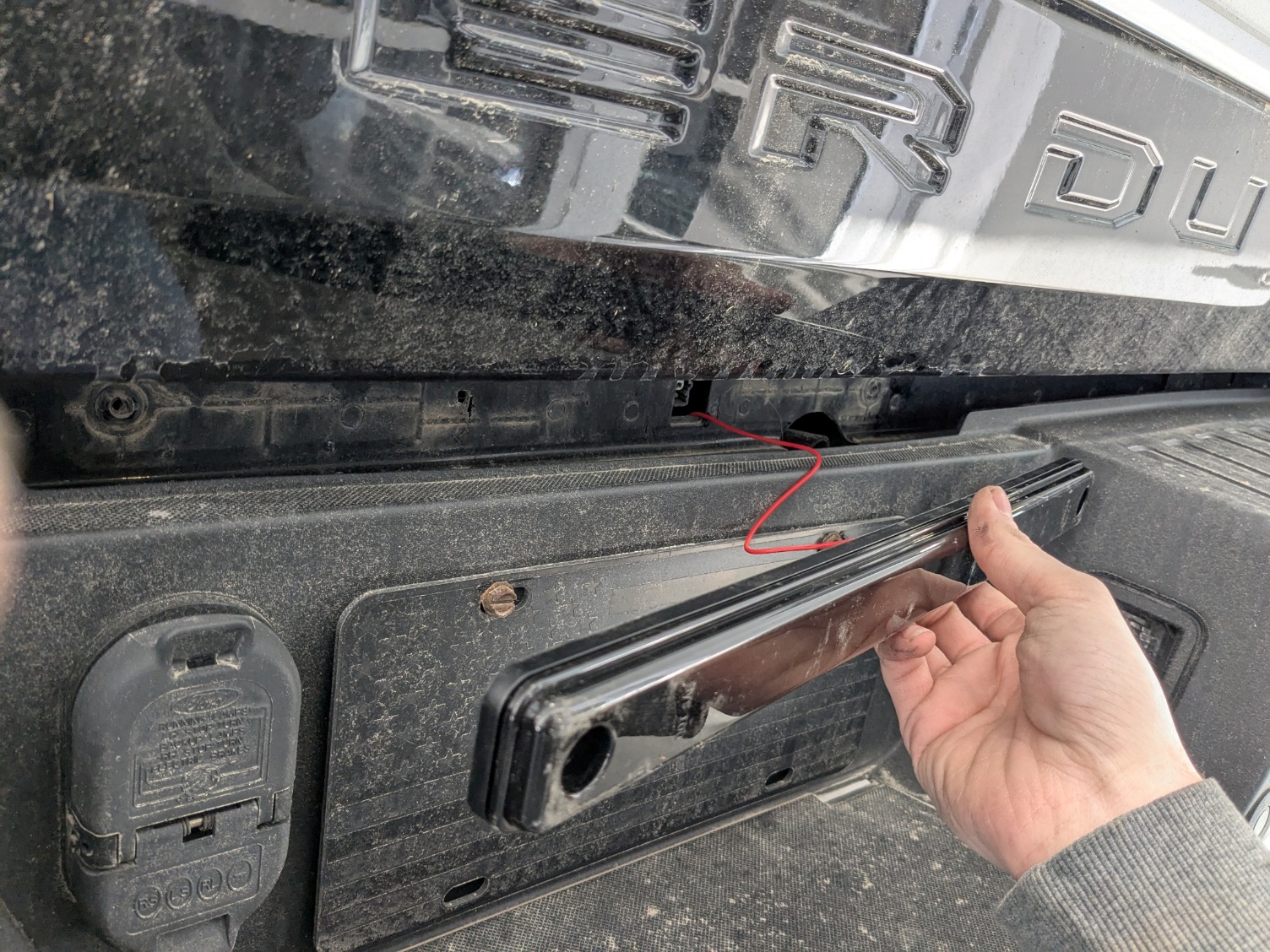
Step 4 — Position the new center marker light
Pull the red wire through as needed, then align the new center marker light in the factory location.
Step 5 — Reinstall the mounting screws
Reinstall the two factory T30 Torx screws to secure the new center marker light.
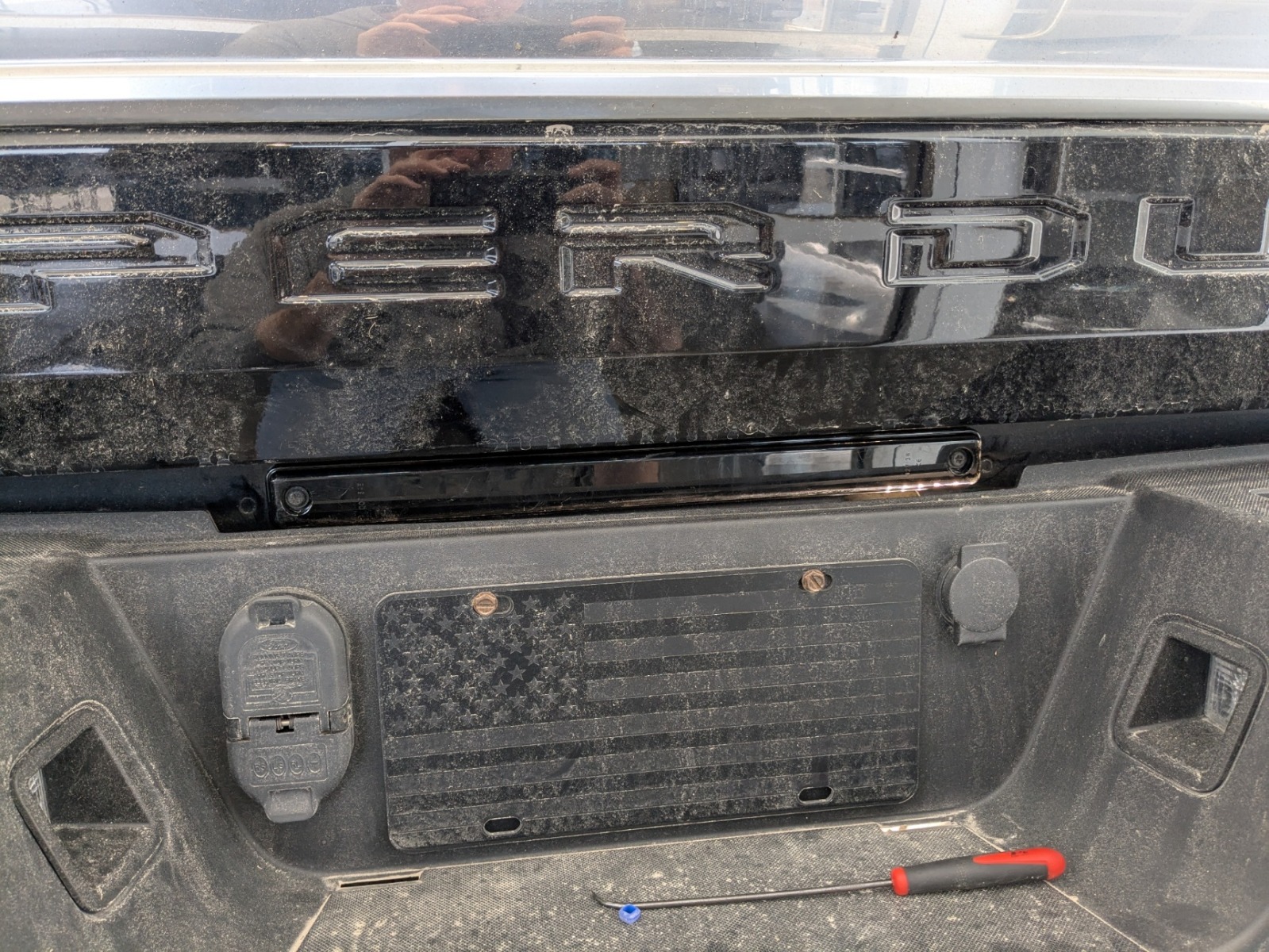
Step 6 — Plug in the center marker light connector
Reconnect the center marker light connector until it clicks into place.
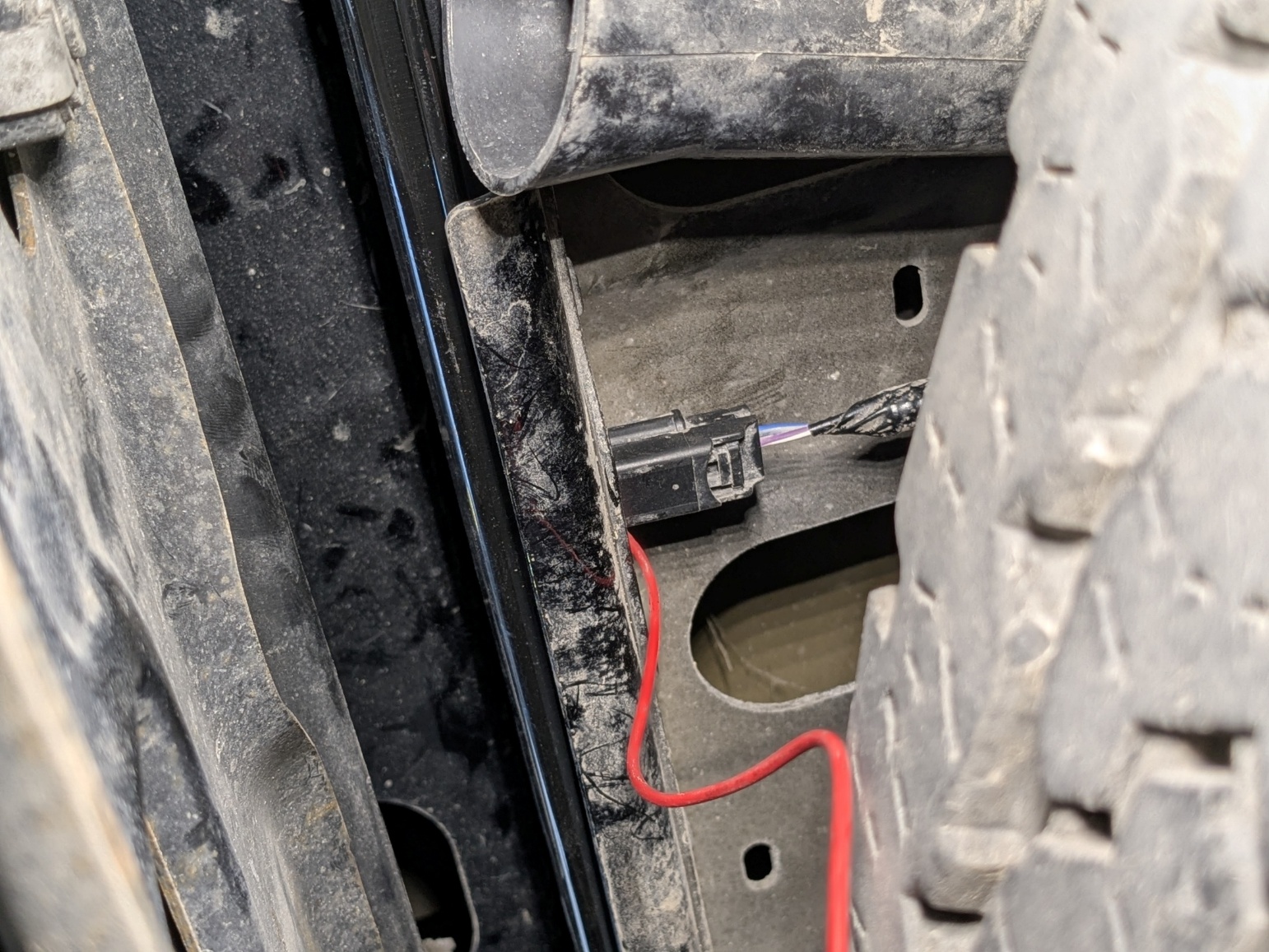
Step 7 — Route the red wire toward the taillight
Route the red wire over the frame and toward the taillight connector. Secure it away from any moving parts or sharp edges.
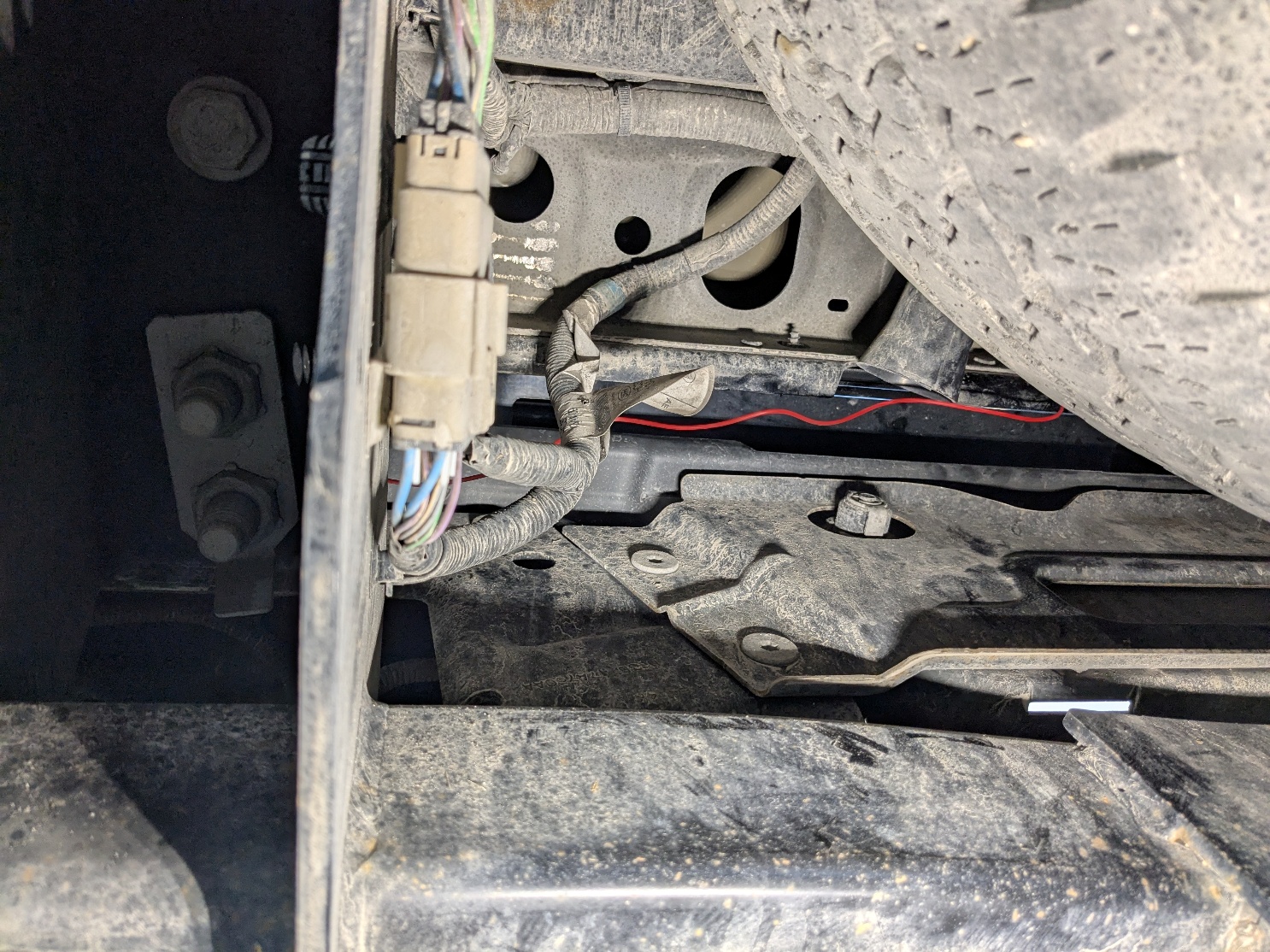
Step 8 — Remove the taillight screws
Lower the tailgate, then remove the two 7mm screws securing the taillight.
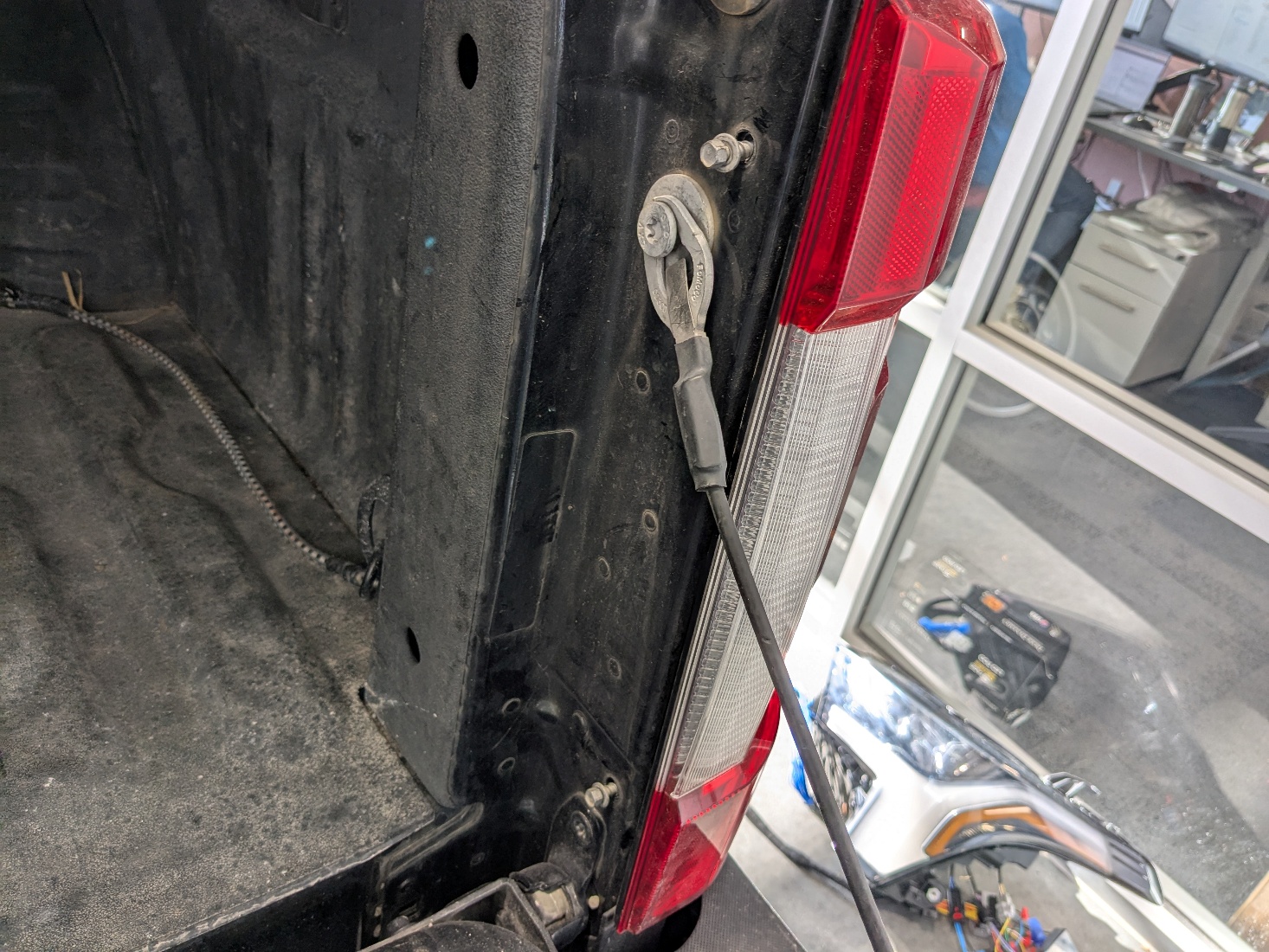
Step 9 — Remove the taillight
Carefully pull the taillight straight back to release the alignment pins and remove it from the vehicle.

Step 10 — Connect the red wire to the brake light circuit
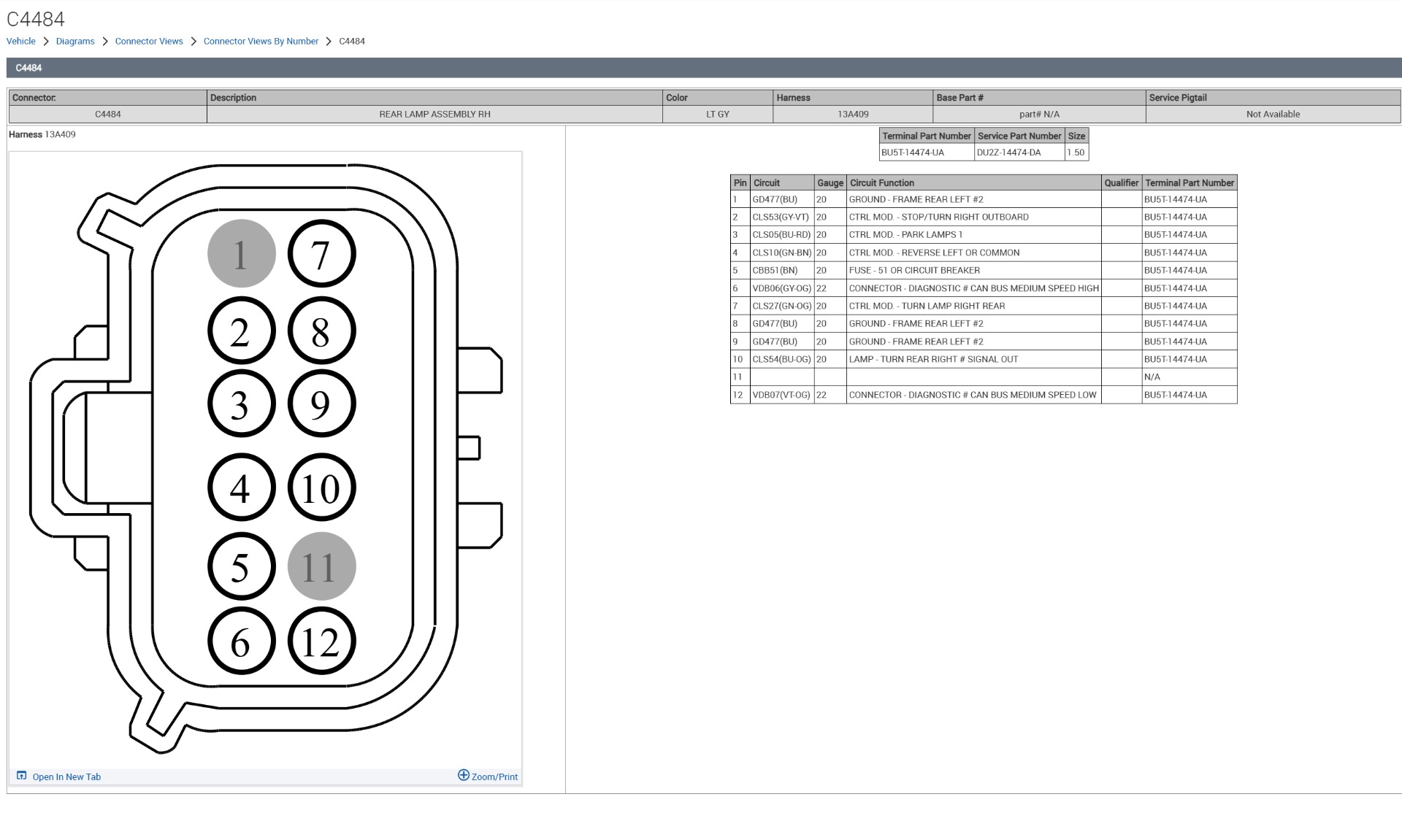
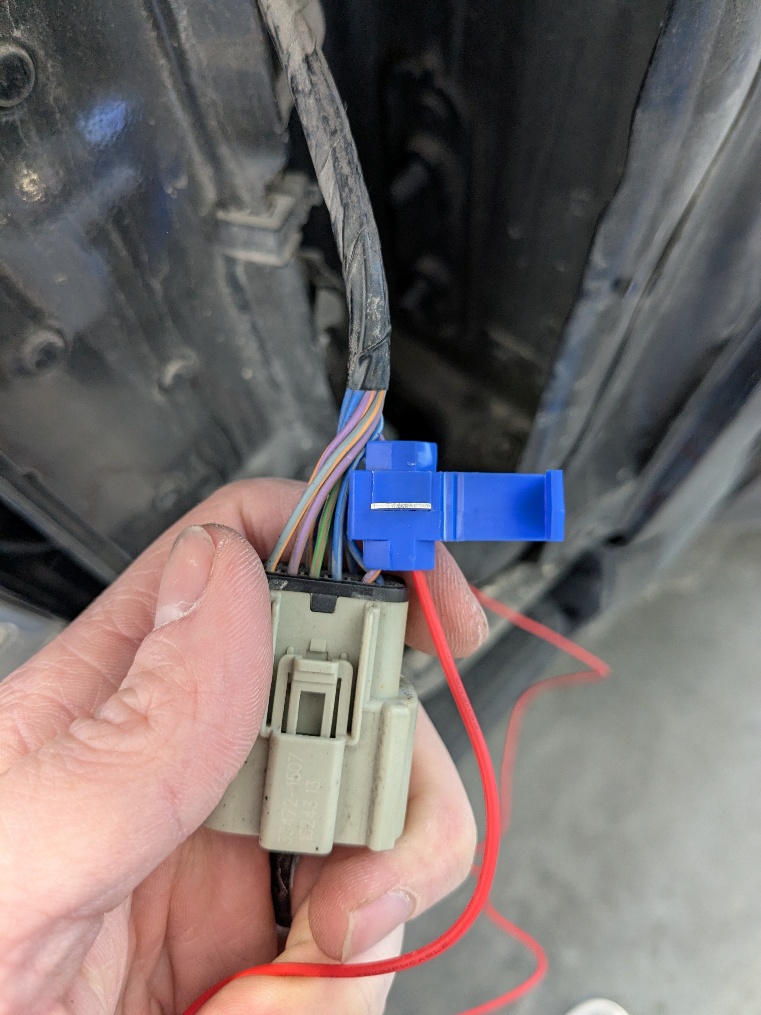
Unplug the taillight connector. Identify the brake light wire/pin (on the example truck shown, it was pin 2), then use the supplied T-Tap to connect the red wire to the brake light wire.
Step 11 — Test and reassemble
Test for function, then reconnect the taillight connector, reinstall the taillight, and reinstall the two 7mm screws.
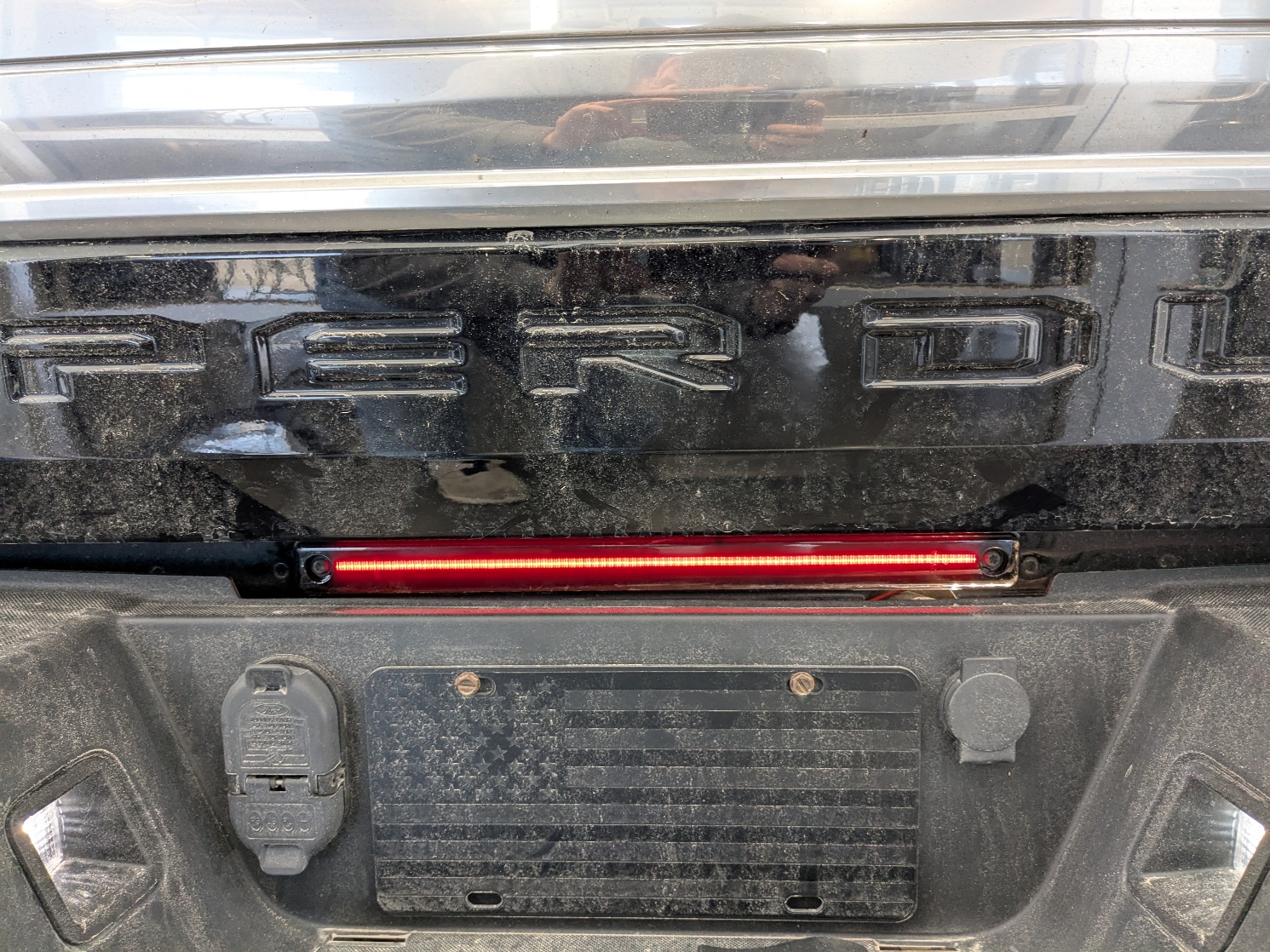
The installation is now complete. Enjoy your new 2017-2026 Ford Super Duty LED Center Marker Light!
Questions About the Installation?
If you have any questions about installing the 2017-2026 Ford Super Duty LED Center Marker Light, contact us via our support page.
Where Can I Buy the 2017-2026 Ford Super Duty LED Center Marker Light?
If you're ready to upgrade your 2017-2026 Ford Super Duty with the LED Center Marker Light, visit FormLights.com or use our Dealer Locator to find a dealer near you.
Want to know more about Form Lighting products? Visit FormLights.com and subscribe to our newsletter for new product releases and more!
This Installation Guide is for the following SKU: FL0068